


BOM management for manufacturing
BOM management in manufacturing means in practice: an EBOM from engineering, an MBOM in production, and in between a work planner manually figuring out what has changed. A new revision in the PDM system. Another Excel round. Checking again whether the bills of materials matches what's on the shop floor. That costs hours per change, and sooner or later something goes wrong. A wrong part version, a missed component change, a production stoppage that could have been prevented. Baseboard automates the translation from EBOM to MBOM, so engineering and production always work with the same up-to-date bills of materials.
From EBOM to MBOM without manual conversion
Baseboard imports your bills of materials directly from CAD or PDM and automatically converts it to an MBOM. Baseboard determines which items belong to which process step based on the engineering data. This means the work planner no longer has to manually puzzle out which parts belong to which step. The link with your 3D work instructions ensures that the right revision always belongs to the right production order. No Excel detour, no double entry. Engineering makes a change, Baseboard updates the production bills of materials.
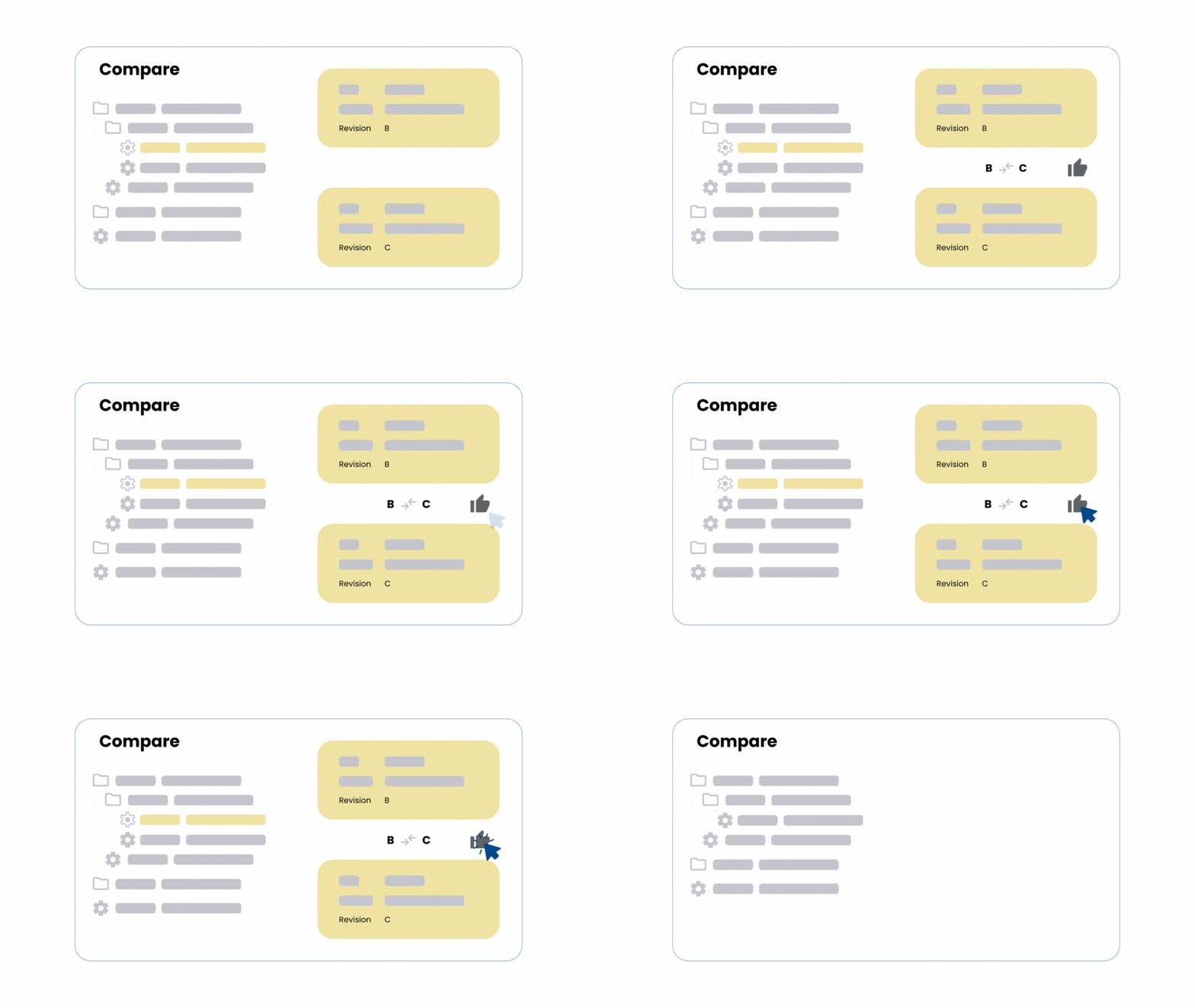

Version differences immediately visible with every revision
At a glance, you can see which parts have been added, changed, or removed between two EBOM versions. Baseboard compares automatically and shows the relevant changes, so the work planner knows exactly what needs to be updated in the production bills of materials. Less searching, fewer missed changes.
