


Integrate quality checks in work instructions
In many factories, work instructions and quality checks are managed separately. The instruction lives in Word or on paper, the checklist in Excel or on a separate form. Operators switch between documents, or skip the check when things get busy. The result: quality records that lag behind reality. When something goes wrong, the documentation isn't there, or it's incorrect. During a certification audit or customer inspection, that's a problem. And the as-built status of a product can no longer be reconstructed. In Baseboard, quality checks are part of the work instruction itself, so operators complete them at the moment it matters.
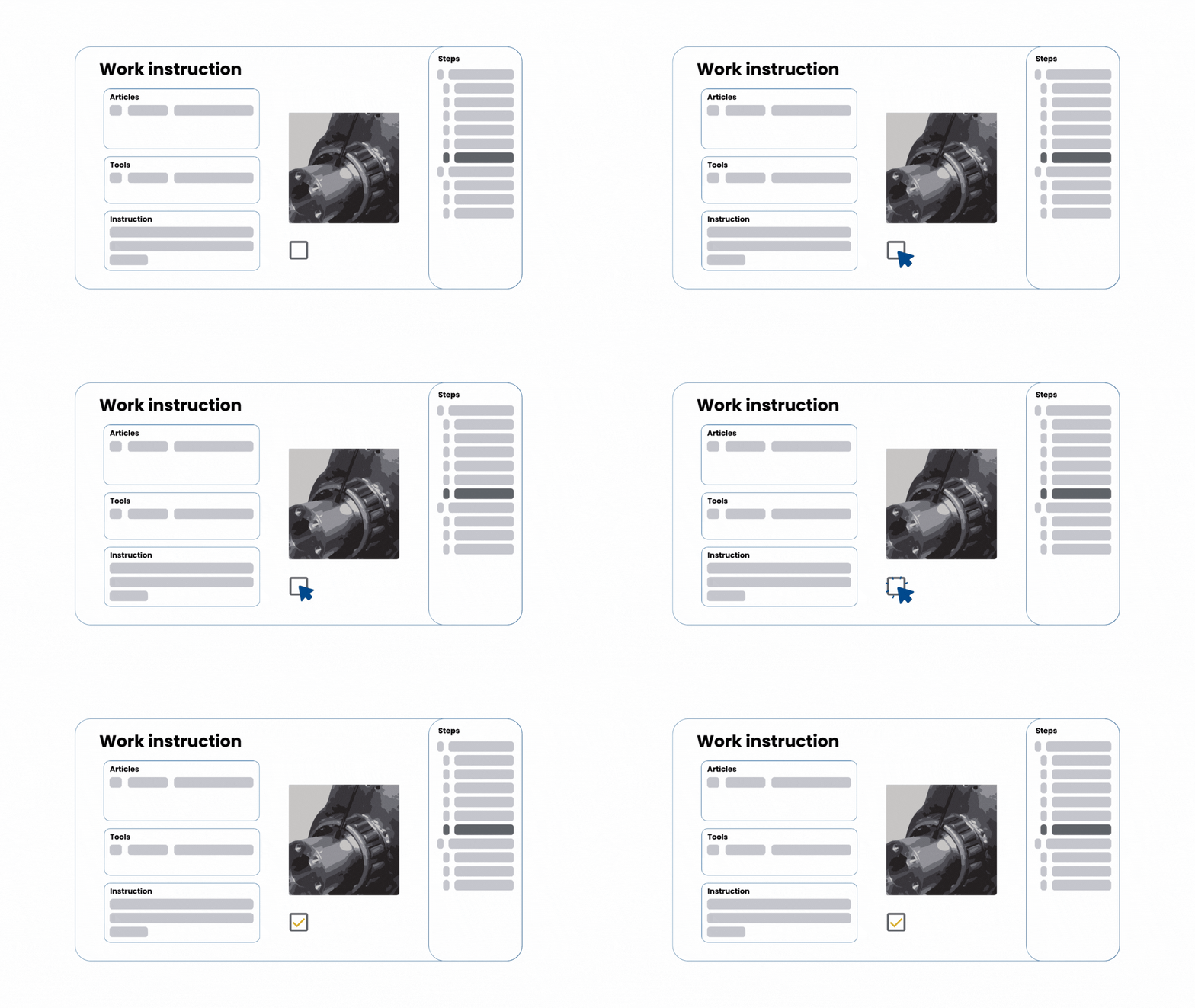
Checks built into every work instruction step
In Baseboard, quality checks are part of the step, not a separate document. The operator follows the work instruction and confirms the check on the same screen. Deviations are recorded immediately and forwarded to the right person. This way, the as-built status of a product is always up to date and verifiable. Less manual administration, fewer missed checks, and documentation that matches what was actually done on the shop floor.

Always insights into quality status of products or orders
All completed checks are collected in a central overview, linked to the product, order, or production step they belong to. This gives engineers and quality managers real-time insight into the status of an ongoing production run. And during an audit, the complete record is immediately available, no searching required.
Read about how to create work instructions in Baseboard.
