

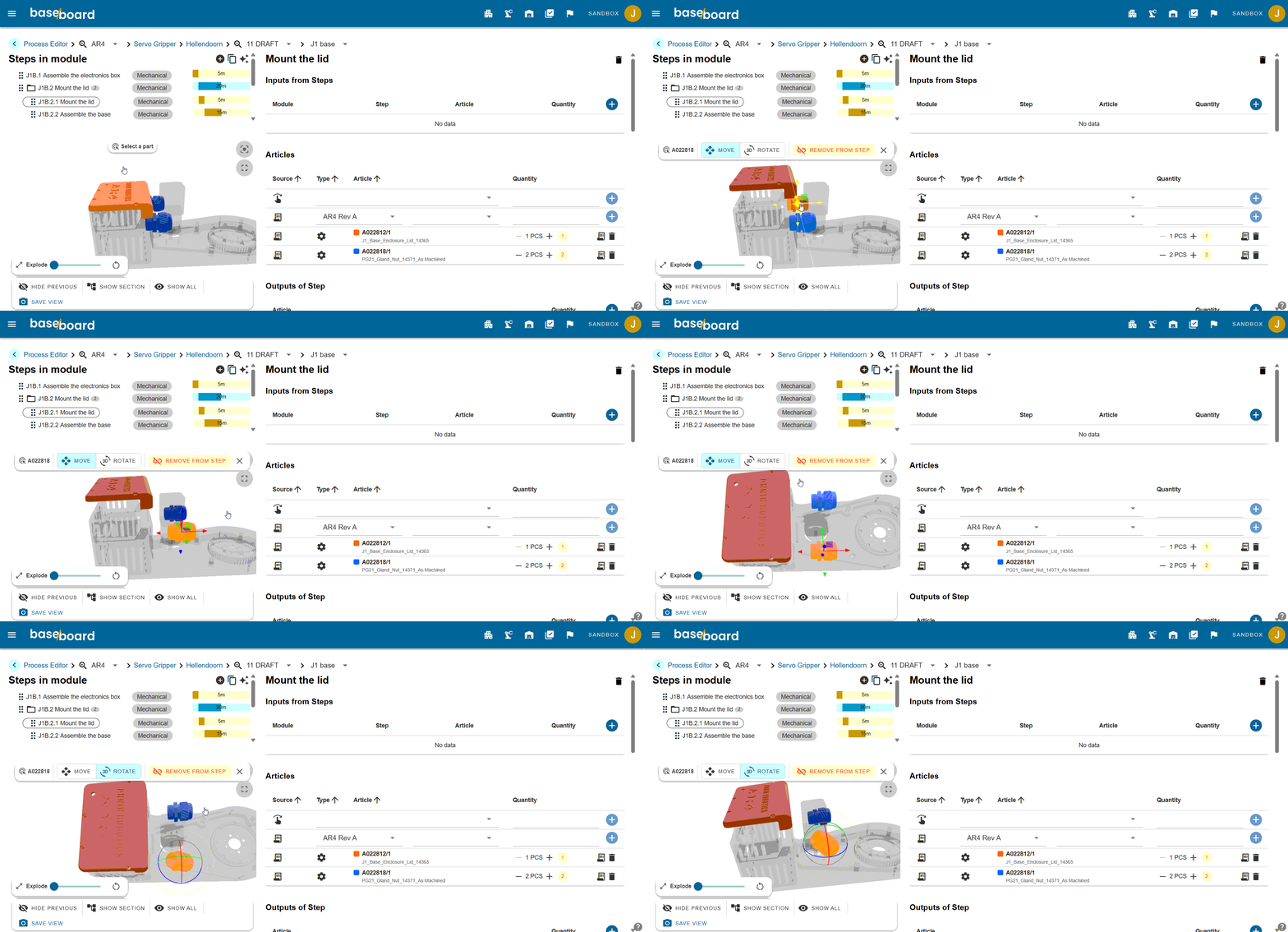
What are dynamic work instructions?
A dynamic work instruction is a digital work instruction for operators, directly linked to the correct revision of your CAD model or bill of materials. When you change something in engineering, the instruction on the shop floor automatically updates with it, without anyone manually updating a document.
Operators always work with 3D models, steps, and parts that match the machine currently in front of them on the floor. And issues, checks, and feedback are also sent back to the office in context.
What do dynamic work instructions solve?
Statische werkinstructie | Dynamische werkinstructie | |
|---|---|---|
Where does an instruction come from? | The engineering drawing or pictures at the moment of writing | The CAD-model and the engineering bill of materials, in the right revision |
What happens with an engineering change? | Someone has to edit all relevant documentation | The instruction changes with the engineering revision |
What version does the operator get? | Ofter unclear, with printed copies lying around | One single valid version. You choose which one. |
When do you start? | After the first physical build | During development, based on engineering data |
As-built | Deviates from what was delivered to the customer | Logged per product serial number with deviations, pictures and quality checks |
Onboarding | Depends on an experienced colleague | Step by step with 3D views and videos |
Feedback from the factory | Orally, or not at all | Sent back to the office, linked to the relevant steps, with full traceability |
Why do static instructions in manufacturing fail?
In high mix, low volume manufacturing, two products are rarely the same. Static instructions are always behind. There are three recurring problems with that.

1
Engineering and production don't speak the same language
The work planner makes a work instruction based on that moment's draft. Engineering revisions the design. The instruction doesn't get updated. The operator has no idea what the right version is.
2
Knowledge transfer depends on people
In small and medium-sized manufacturing companies, production knowledge lives in the heads of a handful of people. As long as those same people are there, it works. The moment they leave or fall ill, the knowledge goes with them.


3
As-built documentation is incorrect and incomplete
What was ultimately delivered to the customer differs from what the work instruction says. That is a problem during maintenance, warranty claims, and audits. But also with standards such as ISO 9001, AS 9100, and NEN 13849.
What do dynamic work instructions solve?
The core of dynamic work instructions in Baseboard is a direct link between engineering data and the work instruction. That has four advantages.

Always up to date work instructions
Instructions follow the latest CAD or PLM revision automatically.
As-built traceability per product
Deviations, pictures and checks are logged per serial number.
Onboarding without a supervisor
New operators build up their skills step by step using 3D.
Bills of materials directly linked to ERP
The BOM is linked to the work instructions and follow the latest engineering revision automatically.

This is what Baseboard does


Knowledge retention with AI


Instructions and checks in one

Links engineering to production
For what type of manufacturer?
OEM
Products in small series, with many variants and engineering that continuously evolves.
Contract manufacturer
Machines built on behalf of other OEMs, with varying customer specifications per order.
Prototyping
One-off or zero-series machines, where the work instruction is still changing while the build is already underway.
Frequently asked questions
Does Baseboard work with our CAD- or ERP-software?
Baseboard works with engineering data which you import or link. We can connect with the most common CAD, PDM, PLM, ERP and shopfloor systems.
How long does a Baseboard implementation take?
Most manufacturers are operational within weeks. They start off with their first products, and implement Baseboard step-by-step across production.
What happens when engineering makes a change on an active order?
Baseboard sees that the bill of materials has changed. You choose what version you give to your operators.
Do all existing work instructions need to be recreated manually in Baseboard?
No. Existing work instructions can be imported using our AI-function. Read all about our AI powered work instructions.
What does it cost?
Our pricing depends on your company size and the modules you use. Book a demo and we'll give you a custom quote.